The holiday season is officially here—and with it comes the annual rush to create Christmas cards, family photos, festive messages, party invites, and personalised gifts. But unlike past years, you no longer need design skills, expensive software, or hours of trial and error to make something beautiful.
Thanks to AI Christmas cards and holiday-making tools, anyone can create stunning seasonal content in minutes. Whether you want custom family portraits, a letter from Santa, a winter-themed photoshoot, or a polished video greeting, AI can turn your ideas into magic.
This guide breaks down the best AI tools for:
- Christmas cards
- Holiday photos
- Letters and messages
- Custom family portraits
- Personalised gifts
- Festive videos and animations
- Invitations and social posts
Everything is beginner-friendly, quick, and easy—perfect for families, creators, small businesses, or anyone looking to add a personal touch to the season.
Let’s explore the world of AI Christmas cards and discover the tools that make holiday creativity effortless.
1. Why AI Is Transforming Holiday Creativity
Before we explore the tools, it’s helpful to understand why AI has become such a powerful part of holiday creation.
a. It removes barriers
You don’t need:
- design skills
- editing knowledge
- photography equipment
- templates
- stock images
- a creative background
With AI Christmas cards, the tool transforms your ideas into professional designs instantly.
b. It saves hours
Making an entire holiday card set used to take a full afternoon.
Now it takes one sentence:
“Make a minimalist gold-and-white Christmas card with my family photo.”
c. It creates endless styles
Vintage, cartoon, snow-themed, elegant, luxury, modern, rustic, minimalist—AI can produce any look in seconds.
d. It’s more personal
AI can:
- include your family photo
- recreate your pet in a Santa outfit
- add your handwriting style
- use your favourite colours
- create a unique theme
This makes AI Christmas cards far more personal than generic templates.
e. It works across platforms
Once created, your designs can become:
- printed cards
- social media posts
- WhatsApp greetings
- email newsletters
- workplace holiday messages
- festive wallpapers
AI doesn’t just create a card—it creates an entire holiday aesthetic.
2. Best Tools to Make Stunning AI Christmas Cards
Below is a curated list of the best global tools for designing AI Christmas cards and personalised holiday designs.
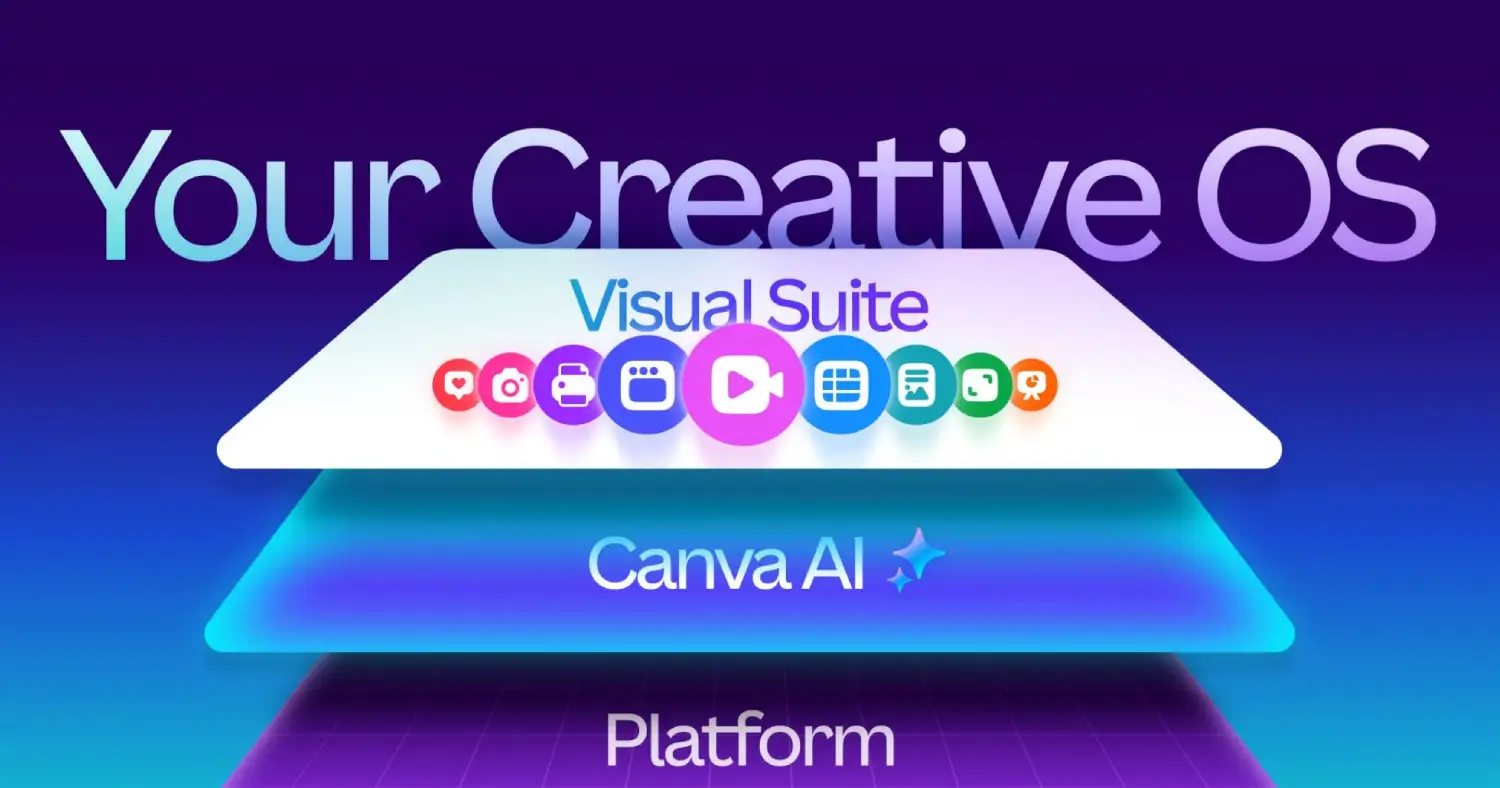
1. Canva – The All-In-One Holiday Designer
Best for: Cards, social posts, invitations, posters, printed designs
Skill level: Anyone
Cost: Free + paid upgrades
Canva’s AI tools (Magic Media, Magic Design, Magic Eraser) make it incredibly easy to create:
- custom Christmas cards
- holiday invitations
- workplace seasonal posts
- family newsletters
- winter-themed collages
- festive GIFs
You can upload your photo and tell the AI:
“Turn this into a Christmas card with snowflakes and gold accents.”
Perfect for beginners who want clean, printable designs.
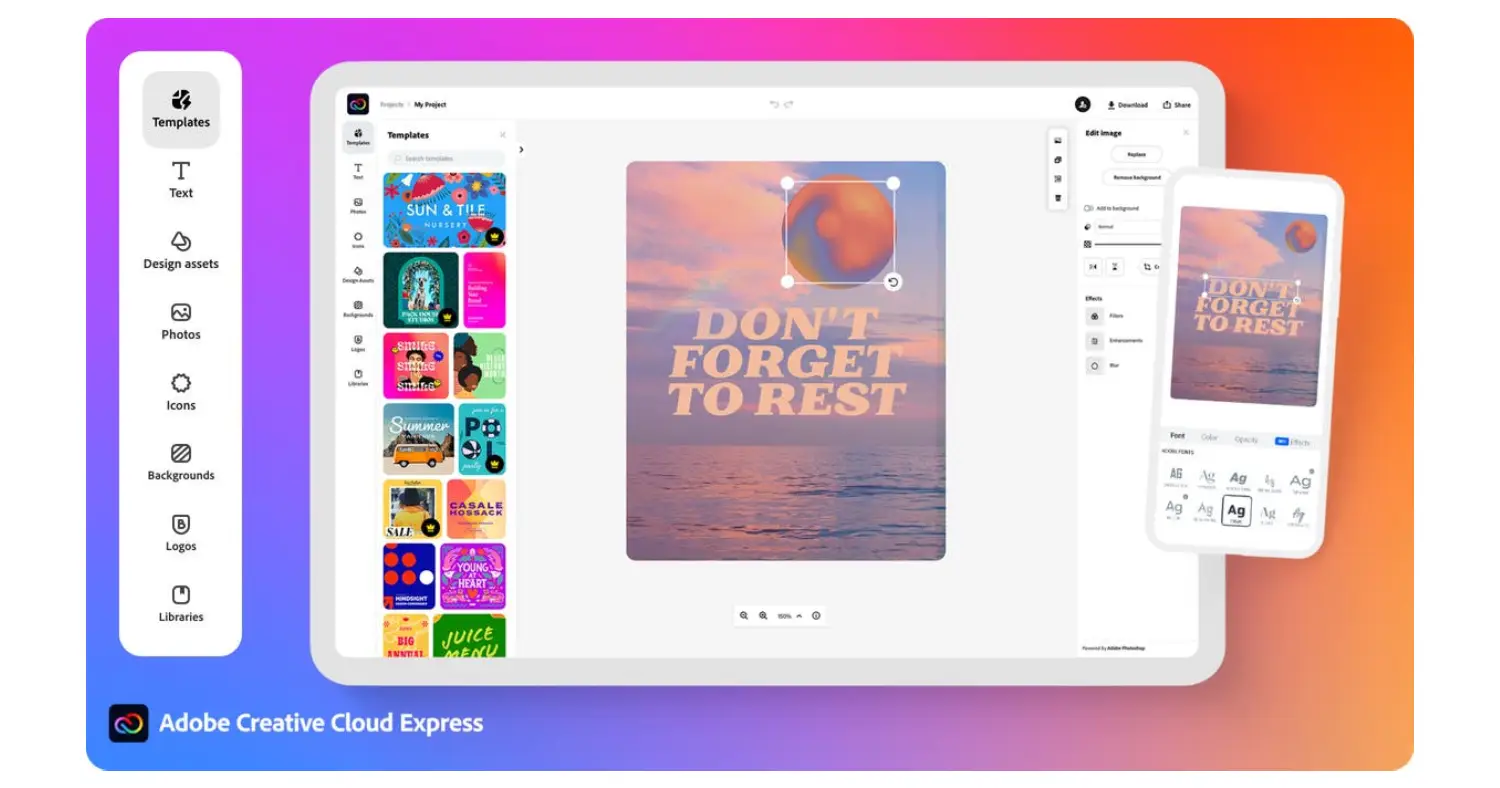
2. Adobe Express – Professional-Quality AI Designs
Best for: High-quality print cards & branded holiday content
Skill level: All levels
Cost: Free + premium
Adobe Express uses Adobe Firefly’s generative AI to create:
- polished AI Christmas cards
- studio-quality winter portraits
- elegant seasonal graphics
- animated holiday greetings
- photo enhancement
It’s excellent for families, creators, and small businesses that want professional-grade results without needing Photoshop skills.
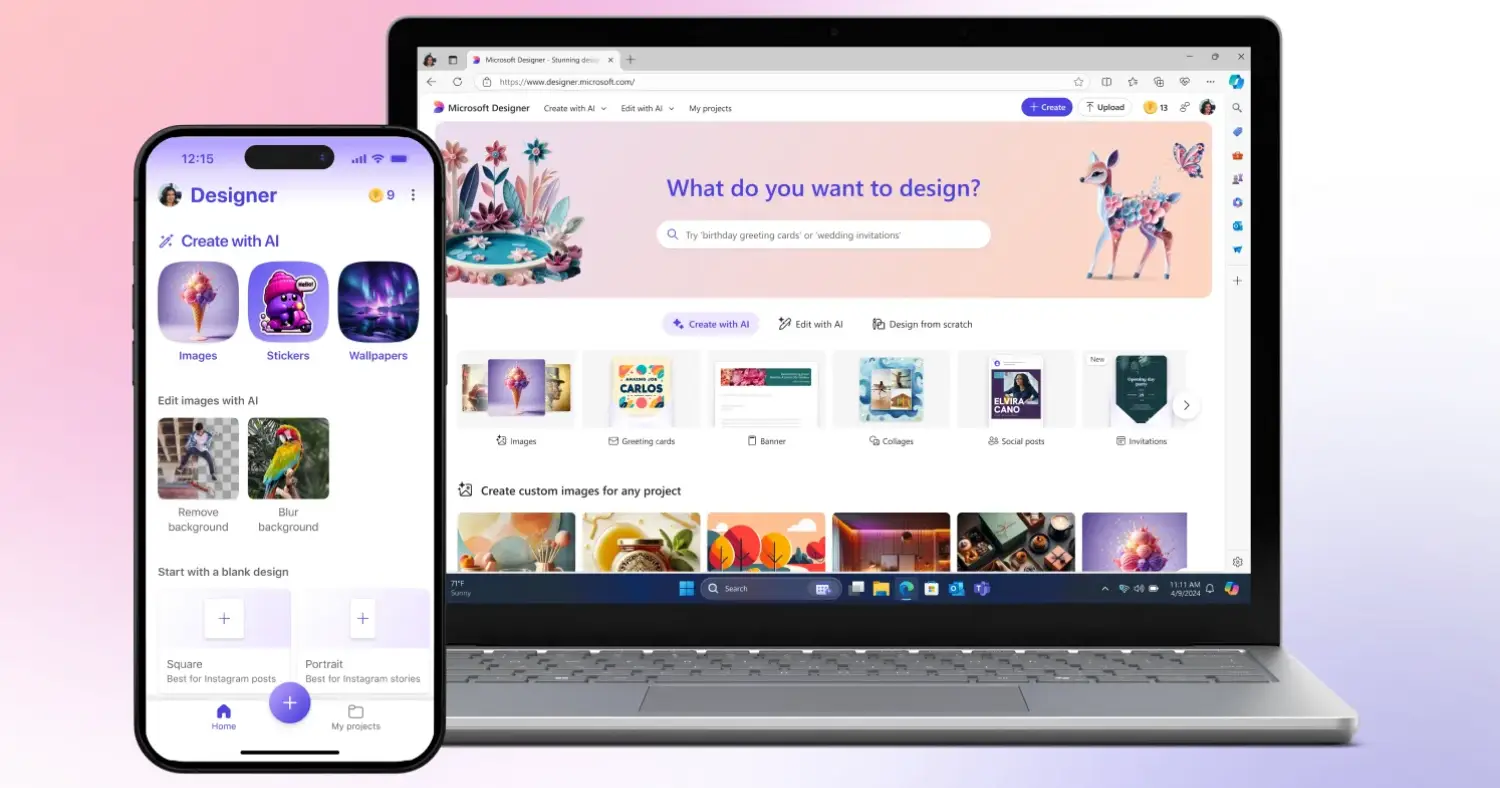
3. Microsoft Designer – Fast AI Holiday Cards
Best for: Quick designs with little effort
Skill level: Beginner
Cost: Free
Microsoft Designer shines for people who want beautiful designs fast. For example:
“Make me four AI Christmas cards with a cozy winter theme using this family picture.”
The tool generates multiple versions instantly, ready to print or share.
4. Fotor AI – Instant AI Christmas Portraits
Best for: Turning photos into Christmas-themed illustrations
Skill level: Beginner
Cost: Free + paid
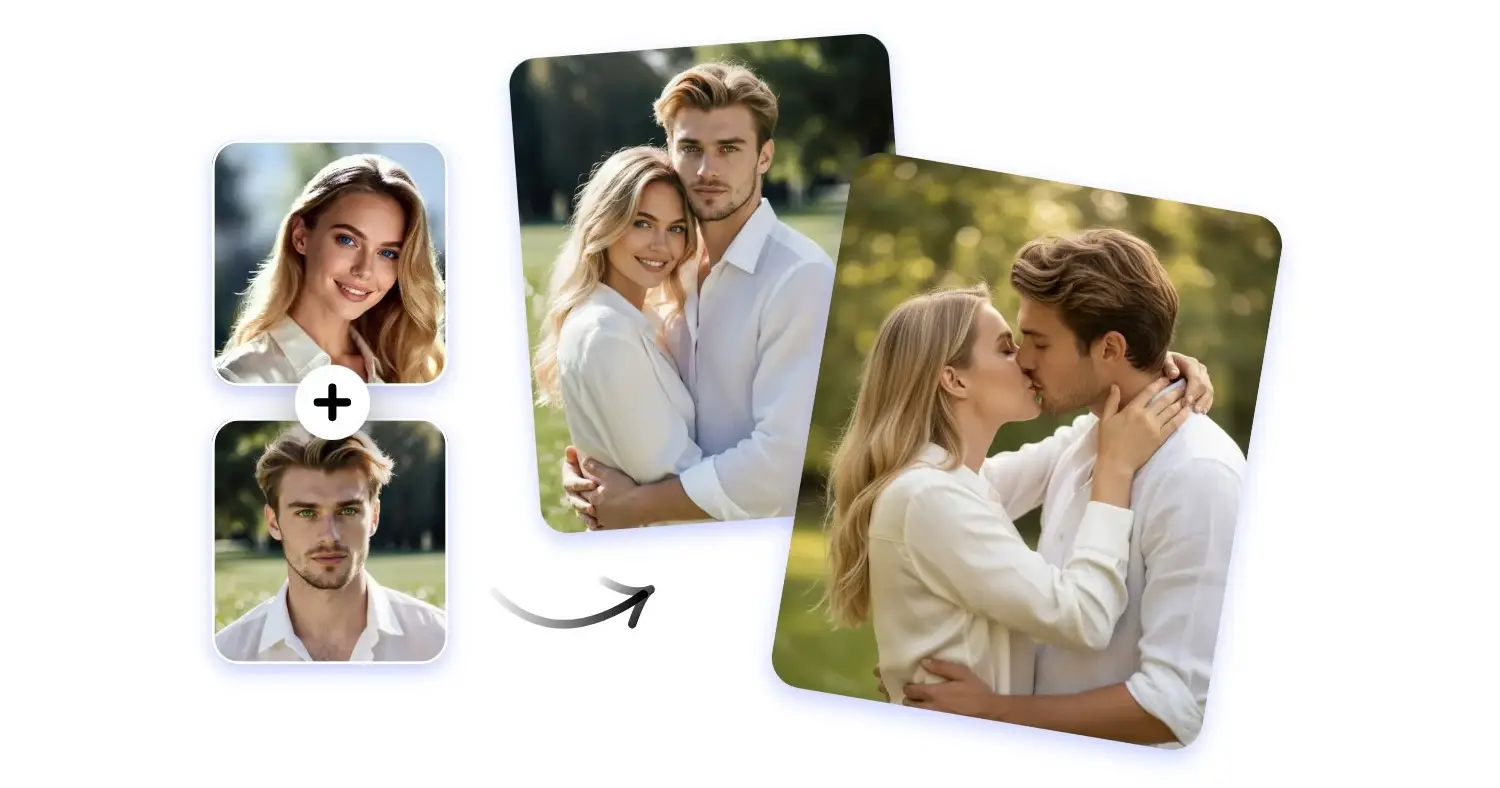
Want a cartoon Christmas family portrait? Or a Santa-hat version of your pet?
Fotor AI can:
- add holiday outfits
- turn photos into cartoon illustrations
- create winter backgrounds
- add festive effects
This is one of the most popular tools for playful, light-hearted AI Christmas cards.
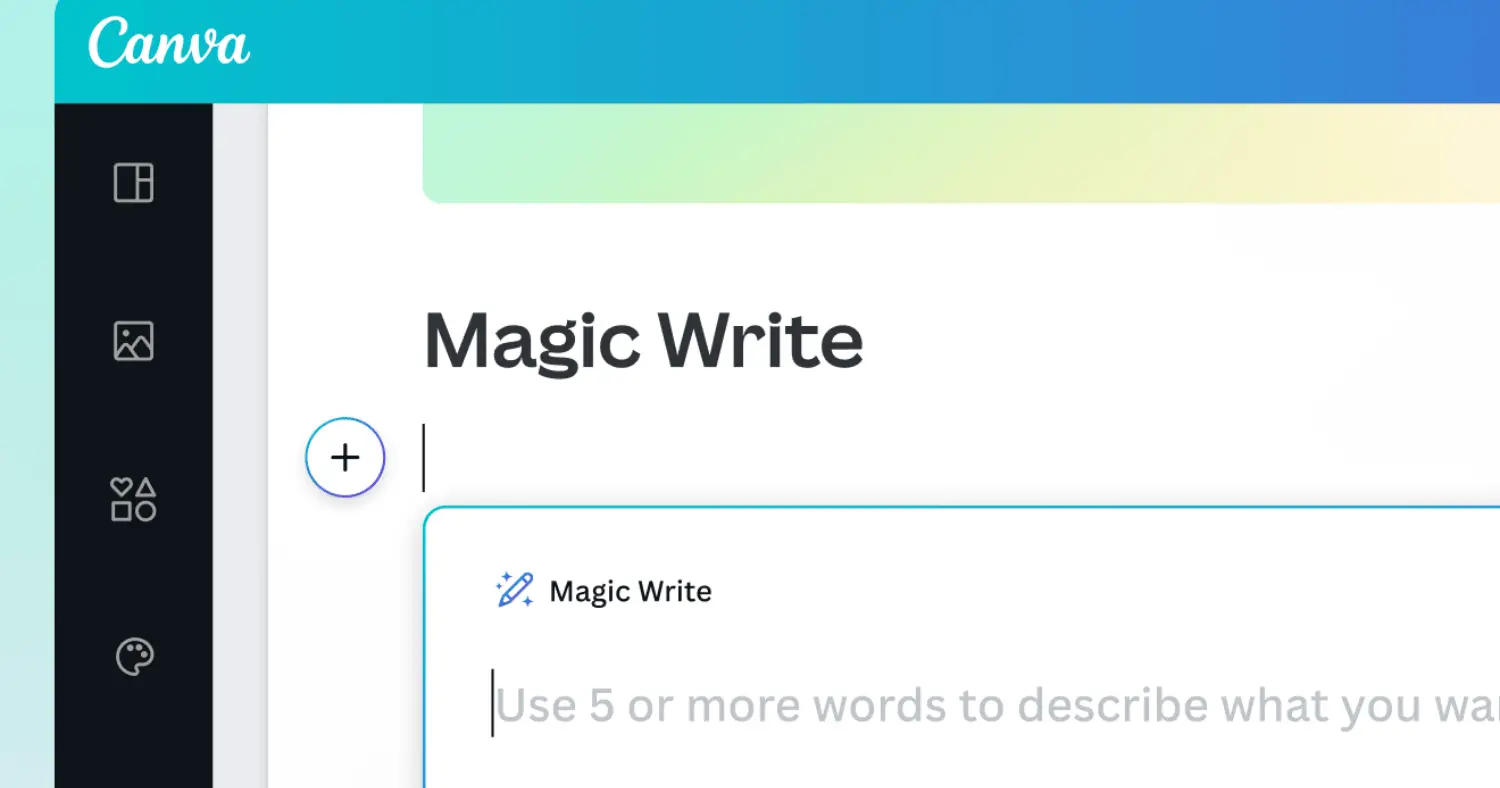
5. Canva Magic Write or ChatGPT – Holiday Messages & Card Text
Best for: Writing greetings, letters, or seasonal messages
Skill level: Anyone
Cost: Free
Writing on Christmas cards can be surprisingly difficult.
AI can help you instantly generate:
- funny messages
- emotional messages
- workplace holiday greetings
- family letters
- greetings for kids
- seasonal captions
Example prompts:
“Write a warm, family-friendly Christmas message for a holiday card.”
“Write a corporate holiday greeting for clients, friendly but professional.”
Pair these with your AI Christmas cards to complete the perfect message.
3. AI Tools for Holiday Photos & Winter-Themed Scenes
Not everyone can afford studio photos—or snowy winter weather.
AI solves that.
Below are tools for creating magical holiday photos instantly.
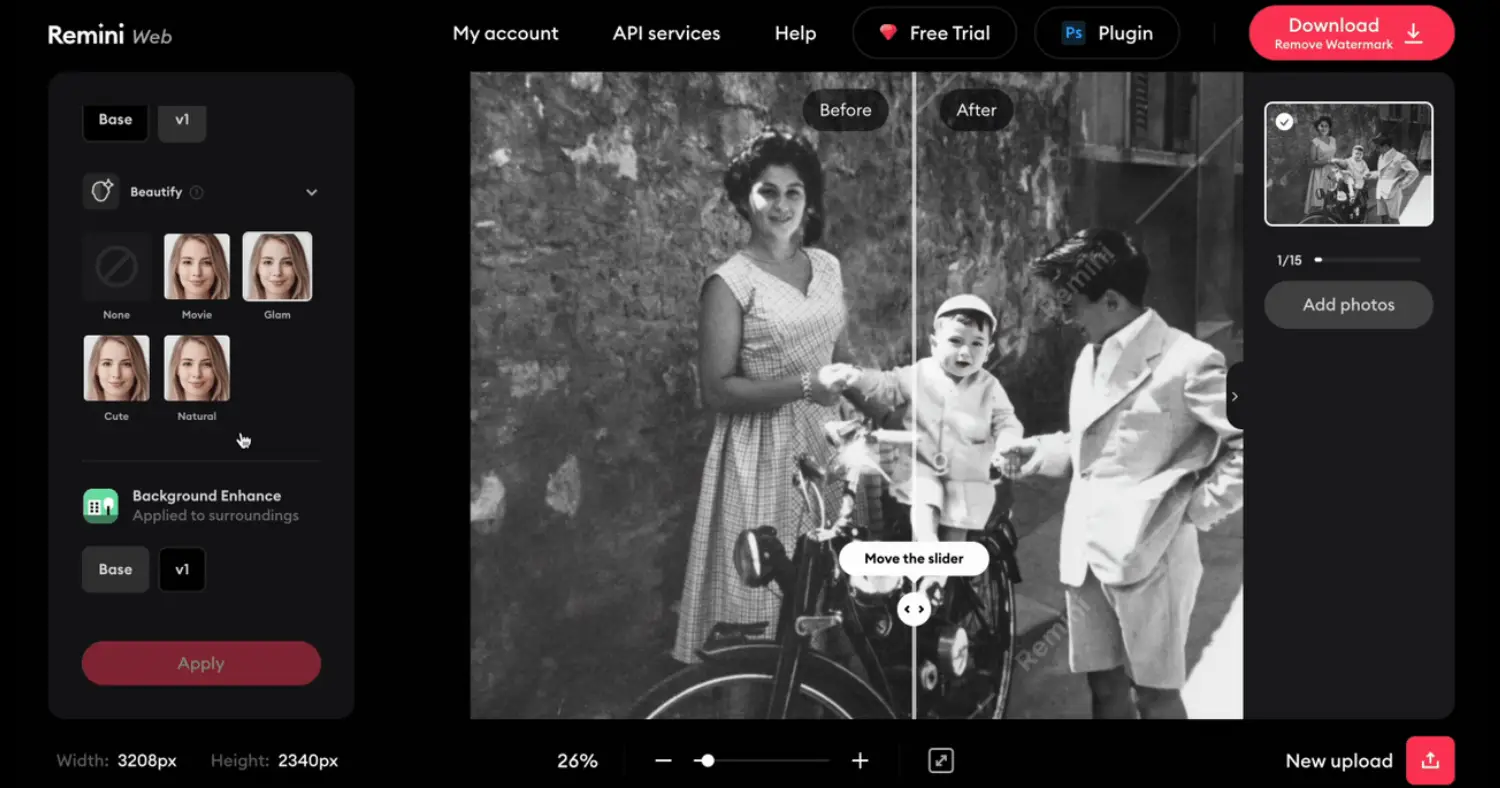
6. Remini – AI Photo Enhancer & Portrait Generator
Best for: Family portraits, kids photos, pet photos
Skill level: Beginner
Remini now allows:
- Christmas outfits
- winter-themed scenes
- warm rustic backdrops
- cartoon or painterly effects
Perfect for families who want a polished look without hiring a photographer.
7. Midjourney – High-End Artistic Holiday Scenes
Best for: Creative artists, unique holiday illustrations
Skill level: Intermediate
Midjourney excels at:
- hand-painted Christmas scenes
- elegant, artistic winter designs
- fantasy holiday postcards
- luxury-style festive cards
Use it for AI Christmas cards that stand out and feel truly unique.

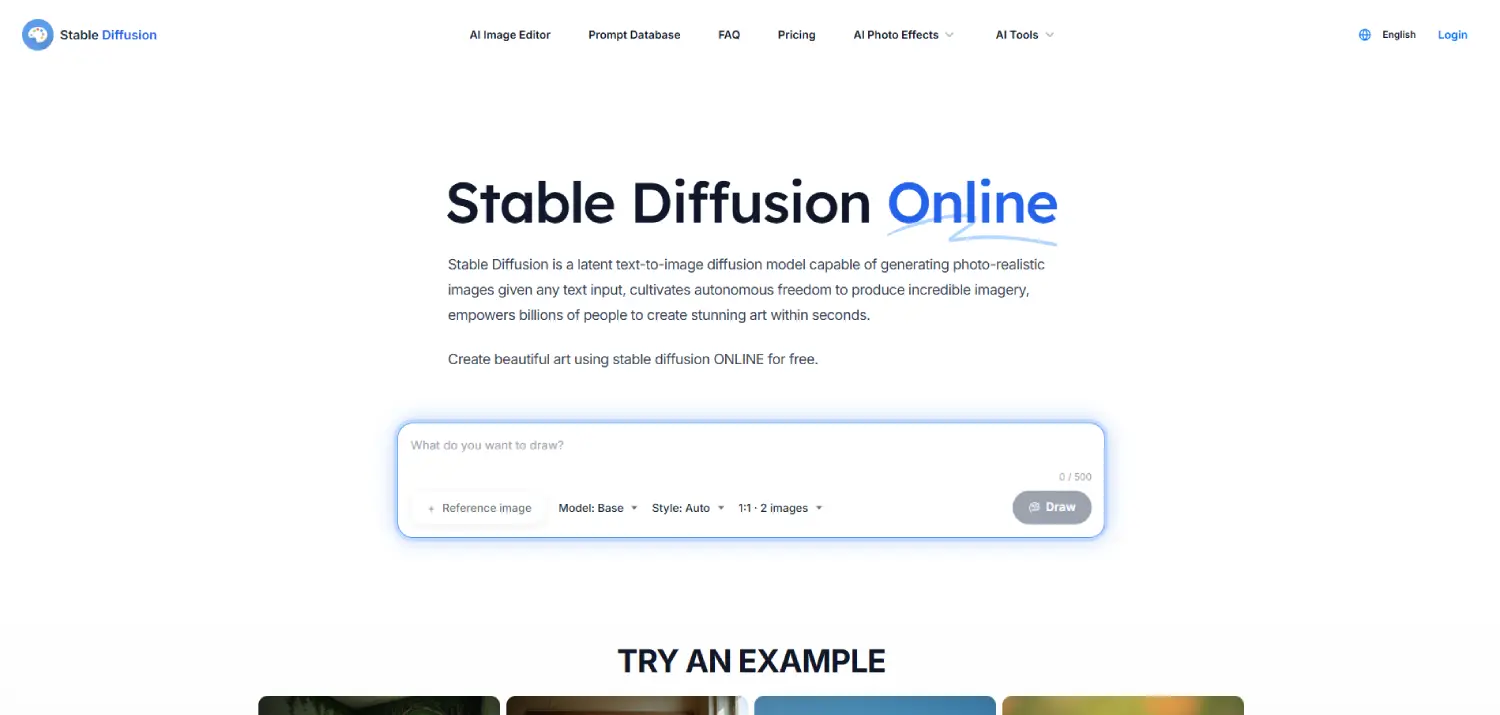
8. Stable Diffusion – Custom Holiday Photo Generation
Best for: Creative professionals who want full control
Skill level: Advanced
Stable Diffusion offers:
- complete customisation
- unlimited holiday styles
- detailed Christmas art
- classic or modern illustrations
It’s ideal for people who want full creative freedom.
4. Tools for Letters, Stories, and Personalized Holiday Messages
Holiday cards aren’t just about visuals—they’re also about the words.
Here are the best tools to personalize your holiday messages.
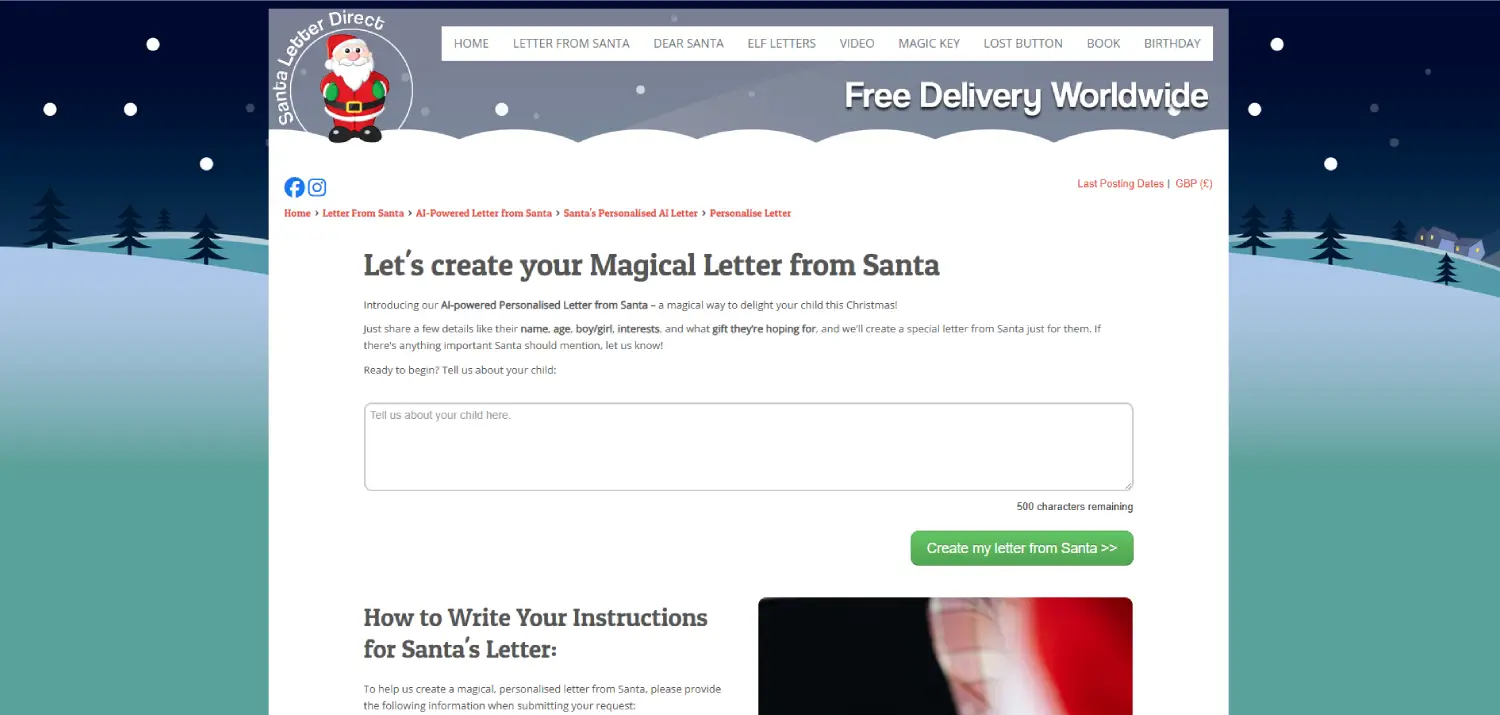
9. Letter From Santa AI
Best for: Families with kids
Skill level: Beginner
This tool lets you generate:
- magical Santa letters
- responses from the North Pole
- personalized stories
- printable Christmas notes
Just enter your child’s name, age, and a few fun details.
Perfect for making the season unforgettable.
10. ChatGPT – Custom Stories & Messages
Best for: All types of written content
ChatGPT can create:
- holiday stories
- Christmas card messages
- rhyming poems
- social captions
- personalised greetings
- family newsletters
Example prompt:
“Write a short, heartwarming Christmas message for grandparents from their grandchildren.”
Pair this with your AI Christmas cards for a full experience.
5. Tools for AI Holiday Videos & Animated Greetings
Video greetings are becoming popular because they feel more personal.
Here are the best tools.
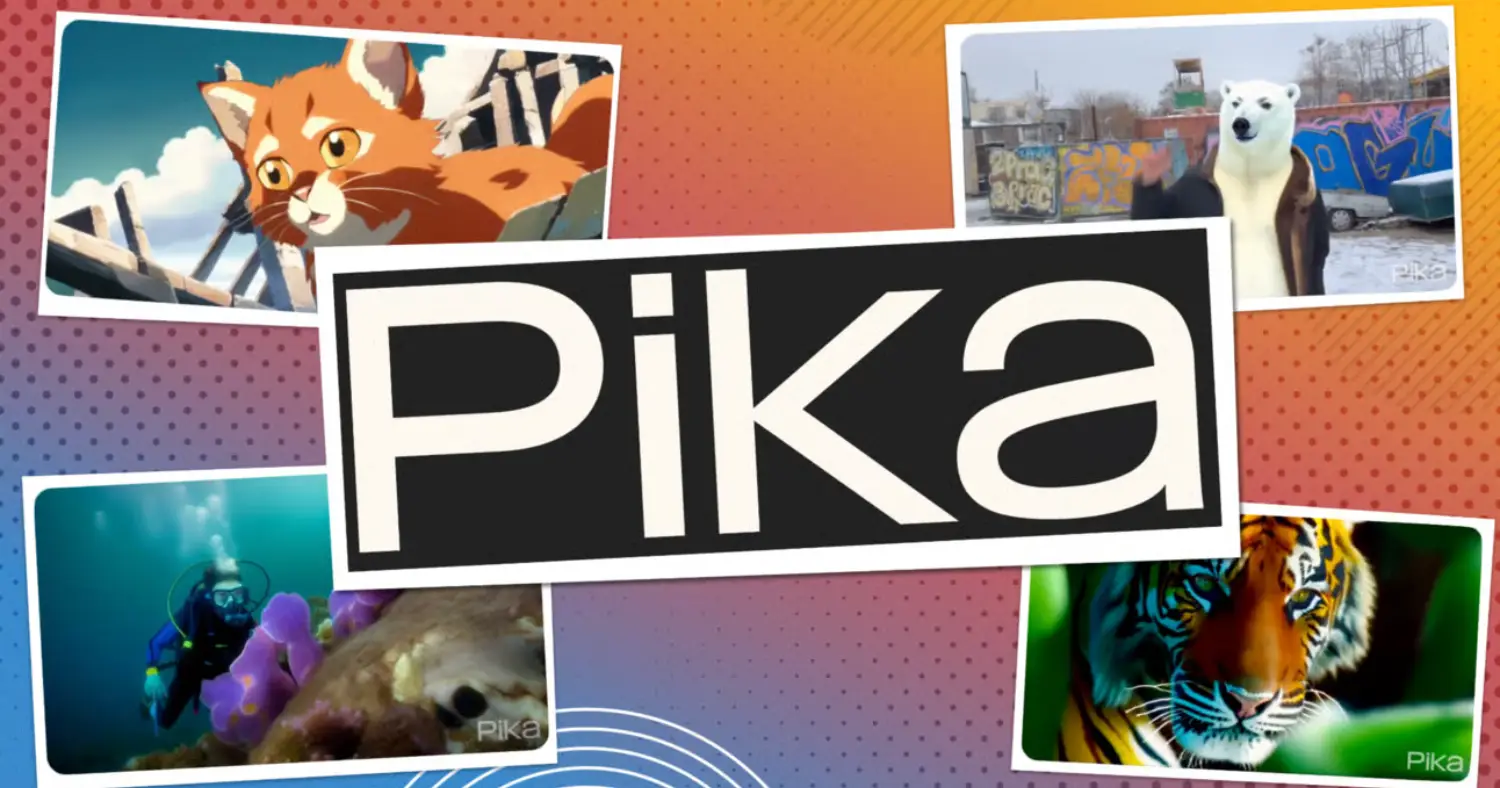
11. Pika Labs – AI Video Generation
Best for: Creative Christmas animations
Produces:
- snow animations
- Santa-themed clips
- short holiday greetings
- winter effects
Great for social media or WhatsApp holiday wishes.
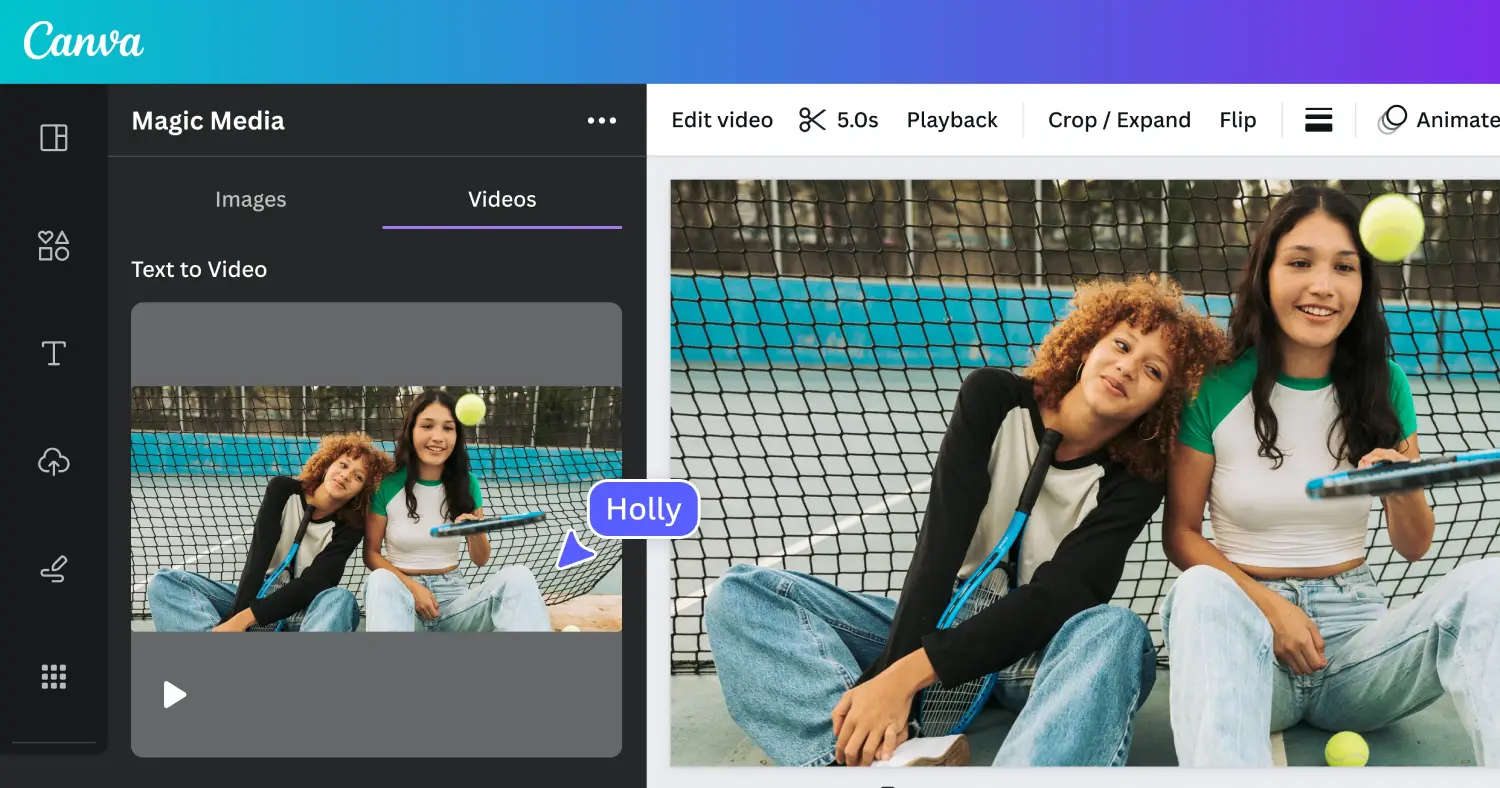
12. Canva Video & Adobe Express Video
Best for: Quick, polished video cards
Create:
- animated Christmas cards
- photo slideshows
- festive intros
- holiday trailers
These tools make professional video greetings easy for beginners.
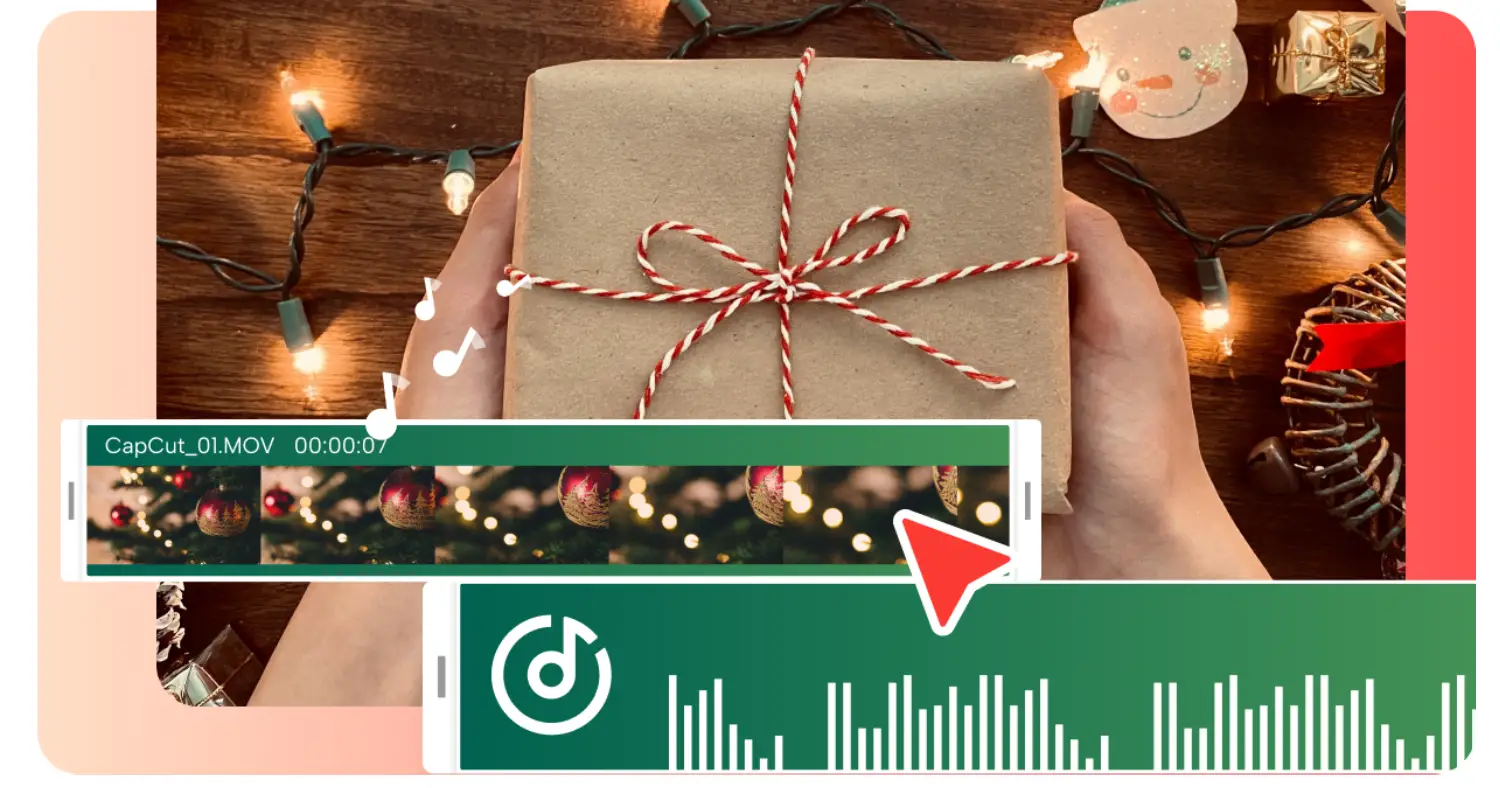
13. CapCut Christmas Templates
Best for: TikTok or Instagram reels
CapCut offers pre-made festive templates:
- photo montages
- Christmas countdowns
- family slideshows
- winter aesthetic reels
Just upload your photos and you’re done.
6. AI Tools for Custom Holiday Gifts
These tools help you turn AI designs into physical gifts.
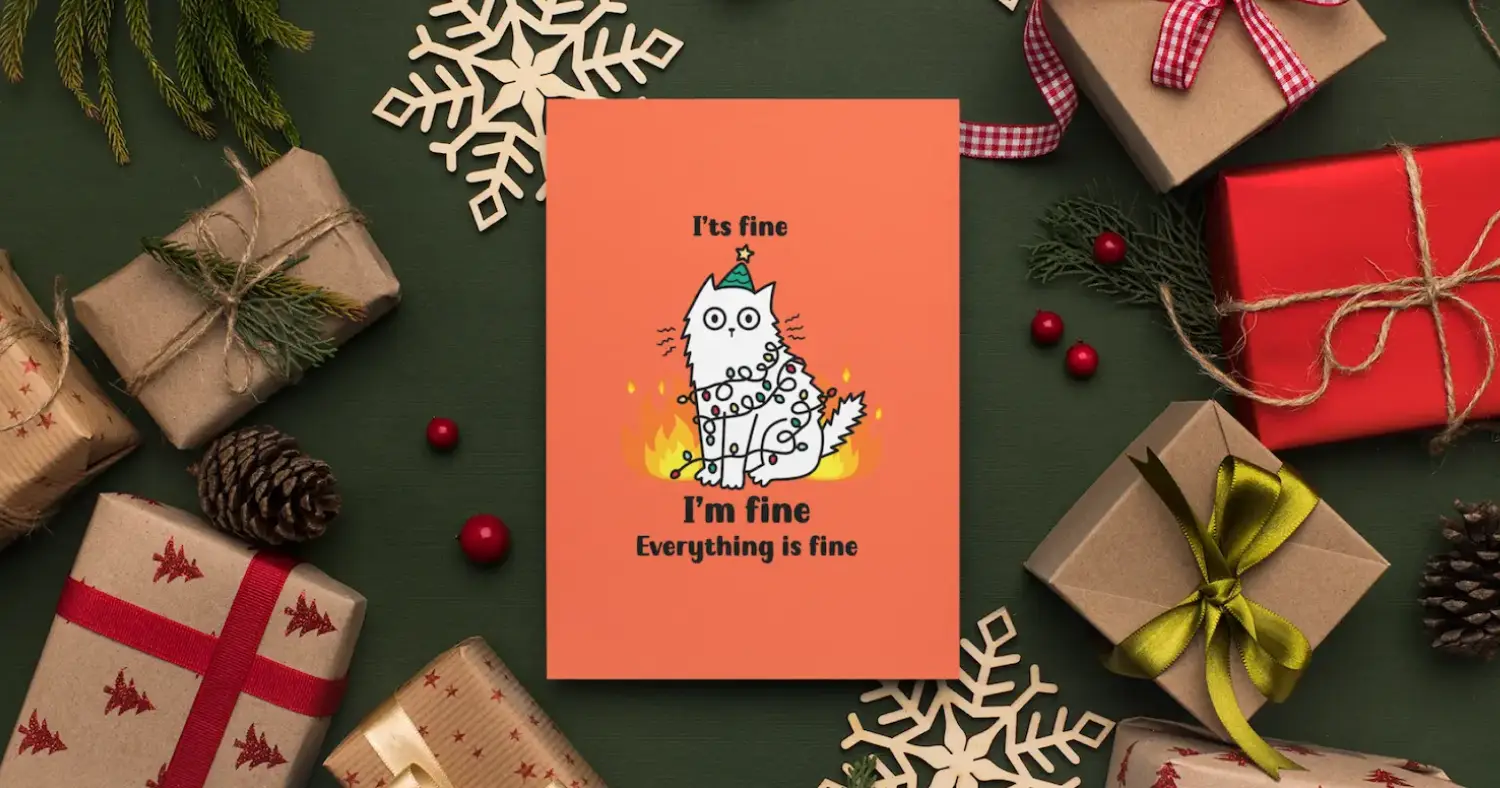
14. Printify
Use your AI cards or illustrations to create:
- printed cards
- mugs
- sweaters
- ornaments
- canvas prints
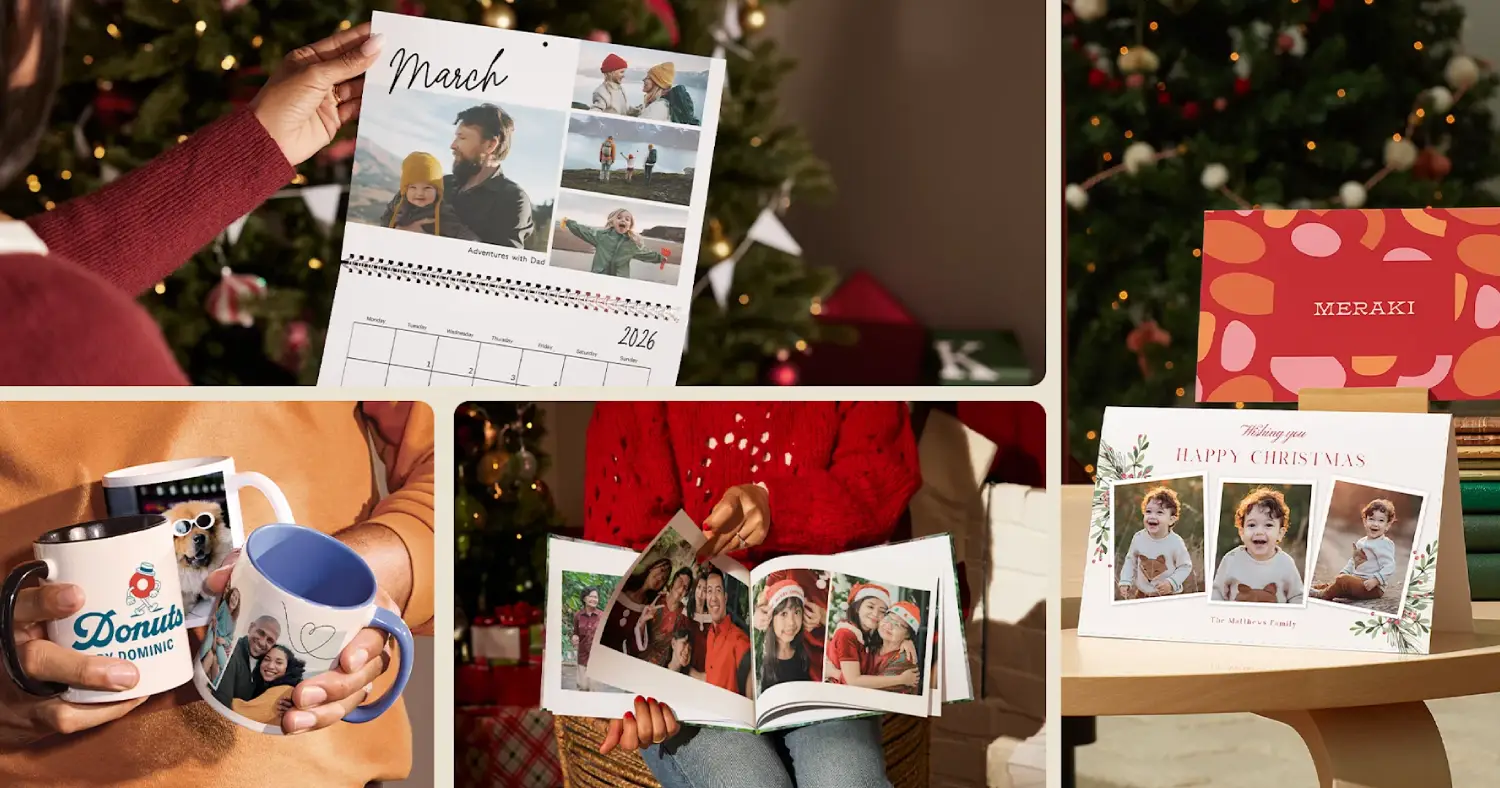
15. Shutterfly & Vistaprint
Perfect for printing:
- holiday cards
- photobooks
- calendars
- framed prints
Import your AI Christmas cards directly into templates.
How Small Businesses Can Use AI Christmas Cards
Holiday season = marketing season.
7. How Small Businesses Can Use AI Christmas Cards
Holiday season = marketing season.
Here’s how businesses can use AI Christmas cards effectively:
- Client appreciation cards
- Festive email banners
- Social media holiday campaigns
- Product holiday mockups
- Custom gift cards
- Seasonal posters
- Holiday sale graphics
AI dramatically reduces the time and cost needed to create professional-looking brand holiday content.
8. Tips for Making Beautiful AI Christmas Cards
- Use high-quality photos
- Choose a consistent colour palette
- Add a short message with personal tone
- Keep fonts simple
- Use snow, light flares, or golden accents
- Print a test copy before printing in bulk
9. Final Thoughts: AI Makes Christmas More Personal Than Ever
The holidays are about connection—sharing love, gratitude, and memories.
With AI Christmas cards and creative tools, anyone can express their holiday spirit beautifully and effortlessly.
AI doesn’t replace creativity.
It amplifies it.
Whether you’re designing a full family photoshoot or sending a single thoughtful message, AI helps you bring holiday magic to life.